

What is a workspace?
Workspaces allow large organizations to manage multiple Labelbox instances with a single account. Think of each workspace as a separate, self-contained instance of Labelbox with its own projects, datasets, and members. This is useful for separating work between different business units or maintaining distinct development and production environments. Annotations from all workspaces are aggregated for billing purposes. A Tenant Admin is a special role that has administrative access across all workspaces within an organization. They can view, add, and manage users across multiple workspaces. The first user of a new enterprise account is automatically a Tenant Admin. To grant this role to additional users, please contact our support team.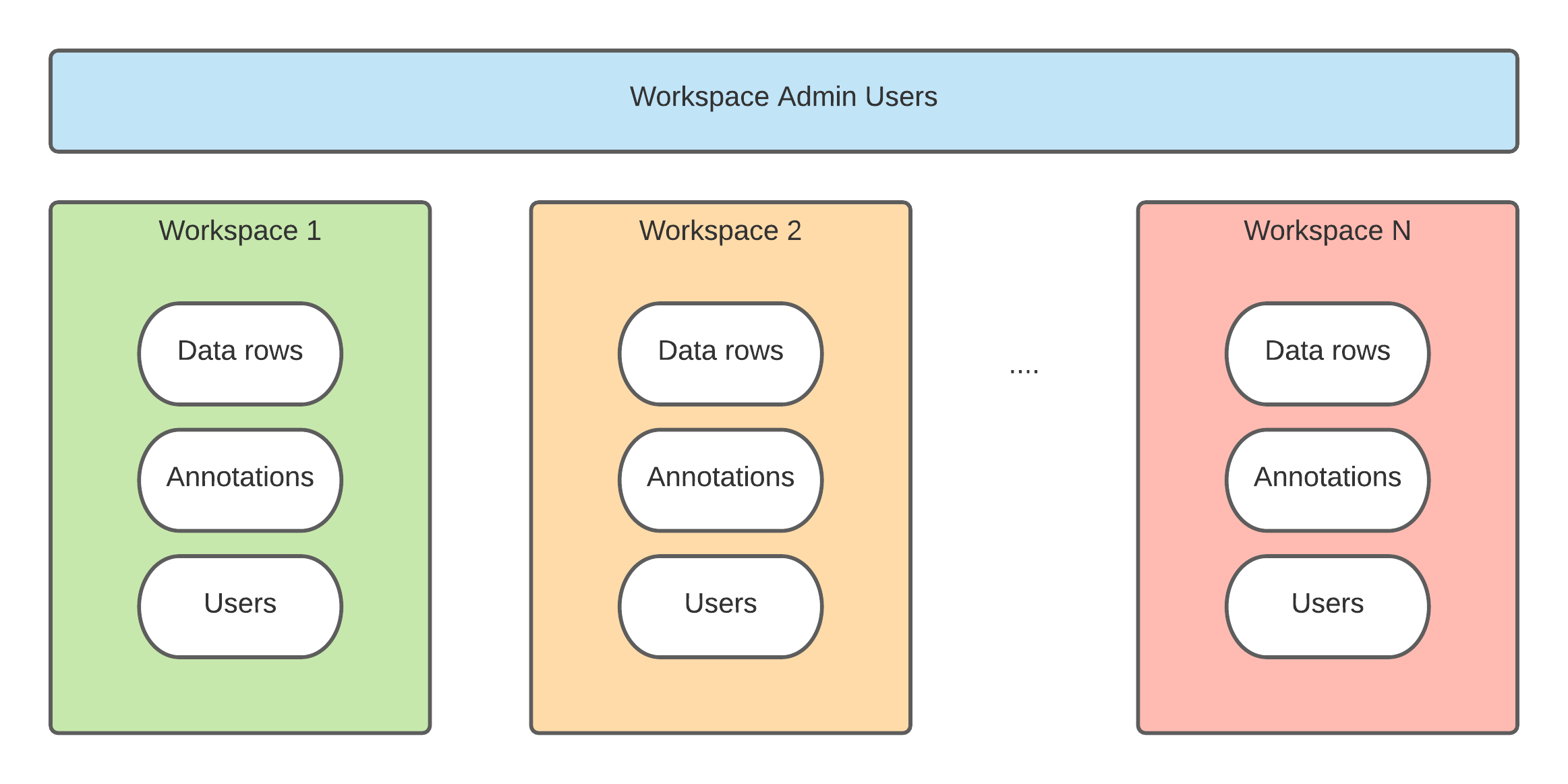
Switch between workspaces
If your organization has multiple workspaces, you can easily switch between them. To switch workspaces:- Click your initials in the bottom-left corner of the navigation panel.
- Select Switch workspace from the menu.
- Click on the name of the workspace you wish to access.